Marine chart plotter / Android
The chart.
The passage.
The whole picture.
Nautical charts, passage planning and your boat’s instruments. Together on your phone or tablet.
Android 8+ Phone & tablet Offline chart display
Bring your charts. Plot your route.
Keep the details in view.
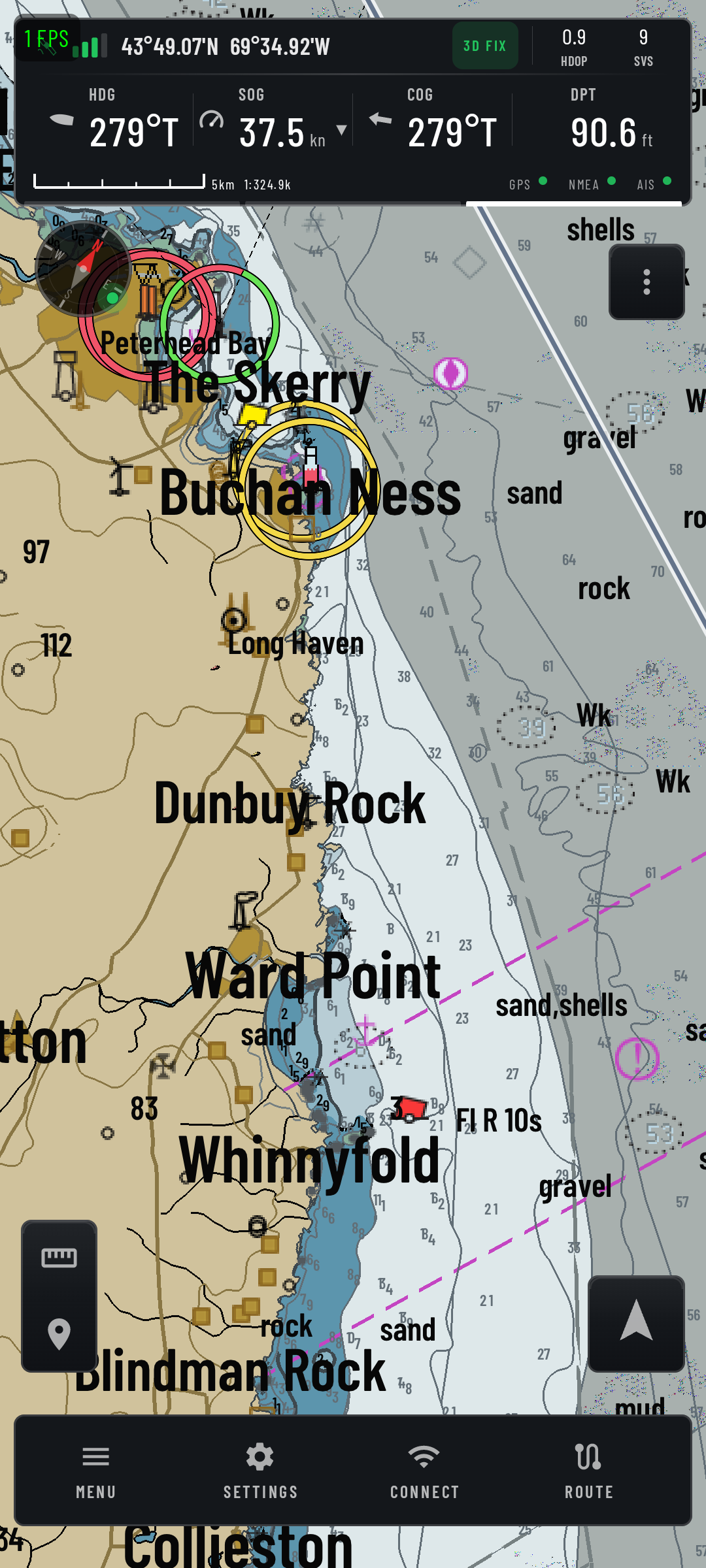
01 / The chart table
Every passage starts
with a chart.
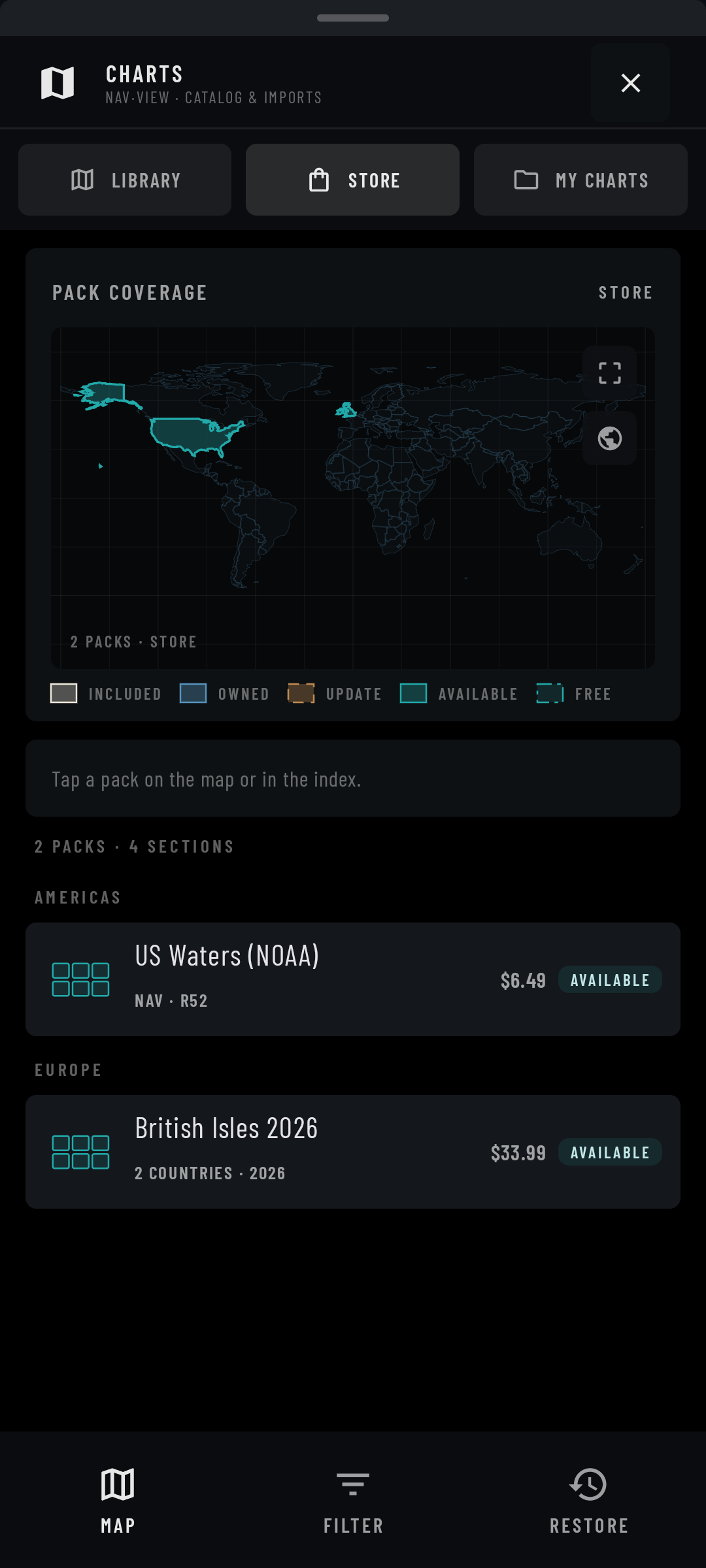
Display S-57 vector charts with S-52 symbols, depth areas and light sectors. Import supported charts or browse regional packs in the chart store.
- Ready before you leaveKeep imported and downloaded charts on the device for offline display. Store browsing and downloads need a connection.
- A view for the conditionsQuilt neighbouring ENC cells and choose Day, Dusk, Night, Dark or Paper chart palettes.
- See how the passage is goingSet planned speeds and waypoint arrival radii. Follow distance, time to go and ETA against your passage plan.
02 / At the helm
Look up.
Stay in the picture.
A compass, a wind shift, the depth beneath you. Dedicated dashboards give each reading room to breathe.
Move between Navigation, Sailing, Motor, Environment and Almanac. Choose floating instruments in Display settings to keep selected gauges over the chart.
Explore the instrumentsActual Android captures.
Both dashboards show simulator data.
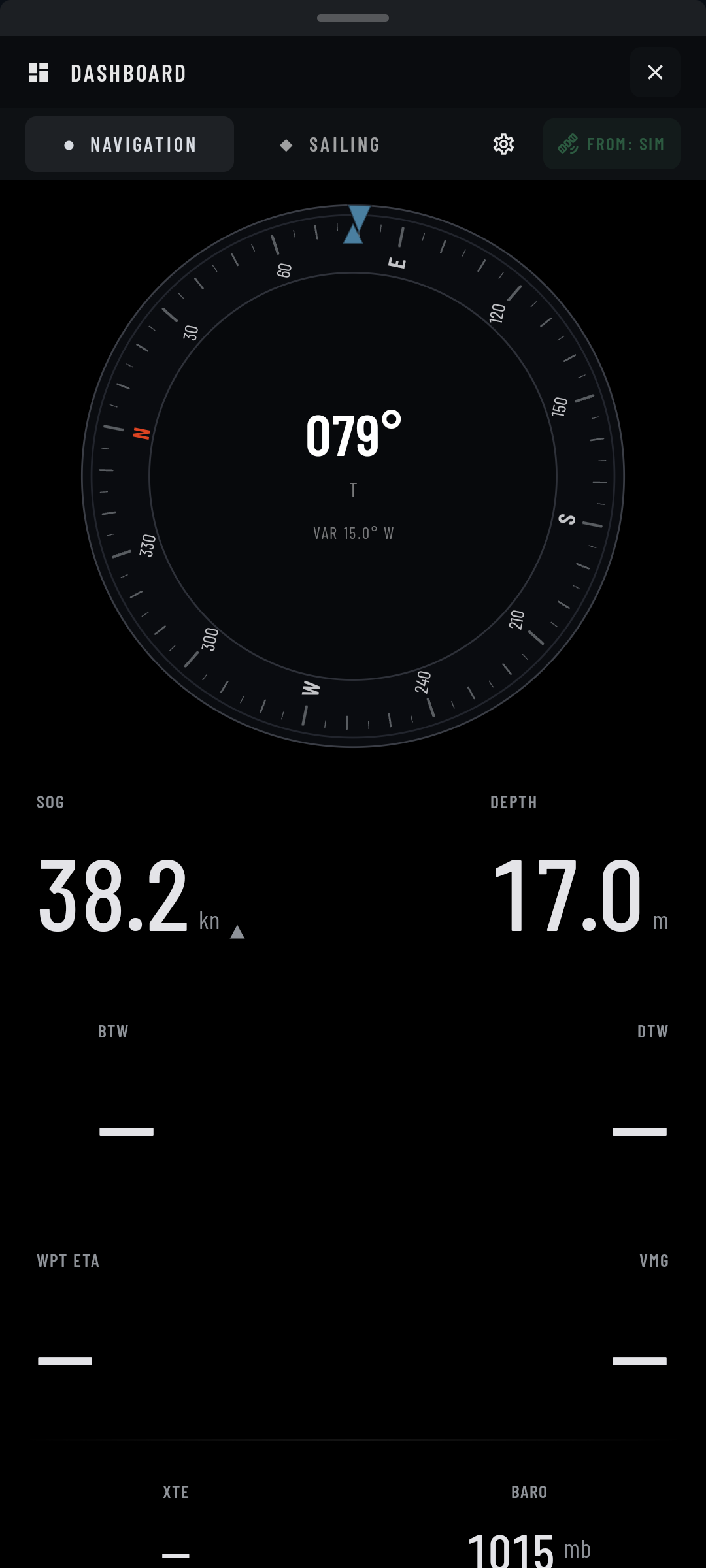
Simulator data · route values unavailable
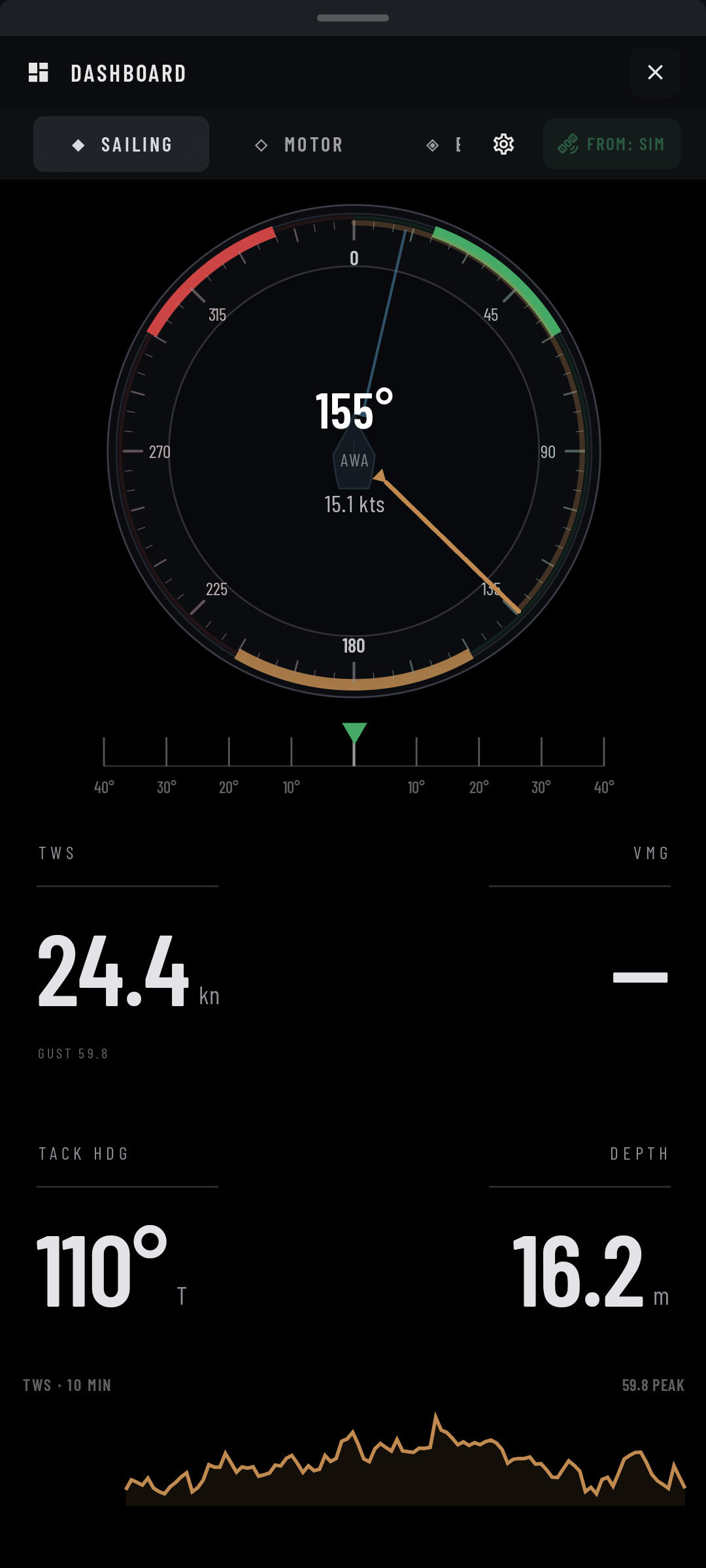
Simulator data
A route to work with.
Build multi-leg routes, exchange GPX files and follow distance, cross-track error and arrival estimates.
TrafficKnow what’s around you.
Inspect vessels from a connected AIS source, with visual CPA/TCPA cues when valid data is available.
ConditionsPut the forecast on the chart.
Import GRIB files for wind, pressure, waves and currents. Download forecasts through your browser.
At anchorSet your watch.
Two independent watch points, swing-area and keep-out alarms, plus lost-fix alerts.
03 / Connected on board
Bring the boat’s data
into the picture.
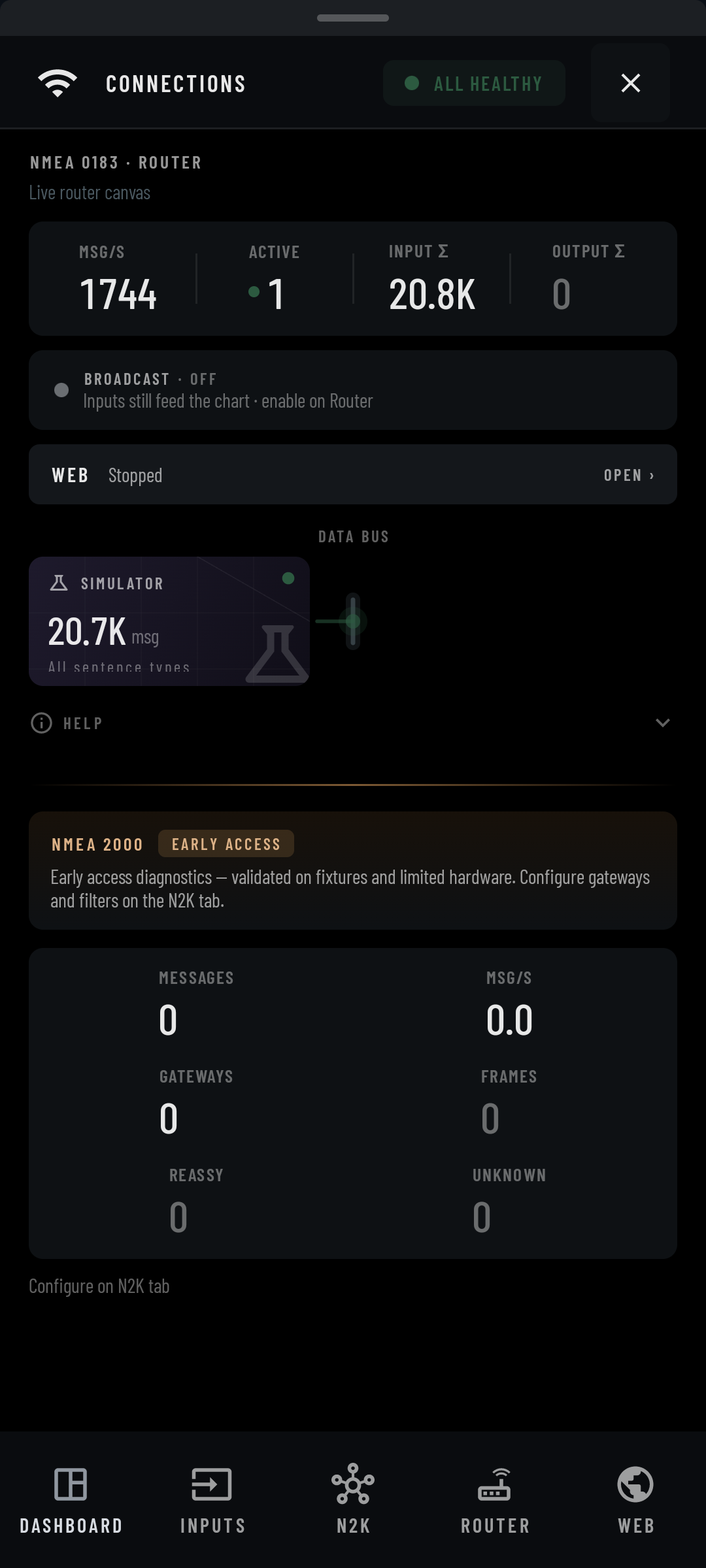
Connect instruments over Bluetooth, USB or Wi-Fi. Choose sources and forward selected NMEA 0183 data to other devices on board.
On your device
Your plans.
No NVX account.
Routes, marks and tracks are stored locally. There’s no sign-in to NVX and no advertising or analytics SDK in the app.
Chart purchases use Google Play. The chart store, browser downloads and connections you configure involve network communication.
Read the privacy policyAvailability
Your next passage.
Start here.
A Google Play release is planned. Contact the developer for availability and launch updates.
Android 8.0 or later · 64-bit ARM · phone and tablet
Chart packs are separate purchases. Check coverage and current prices in the app.